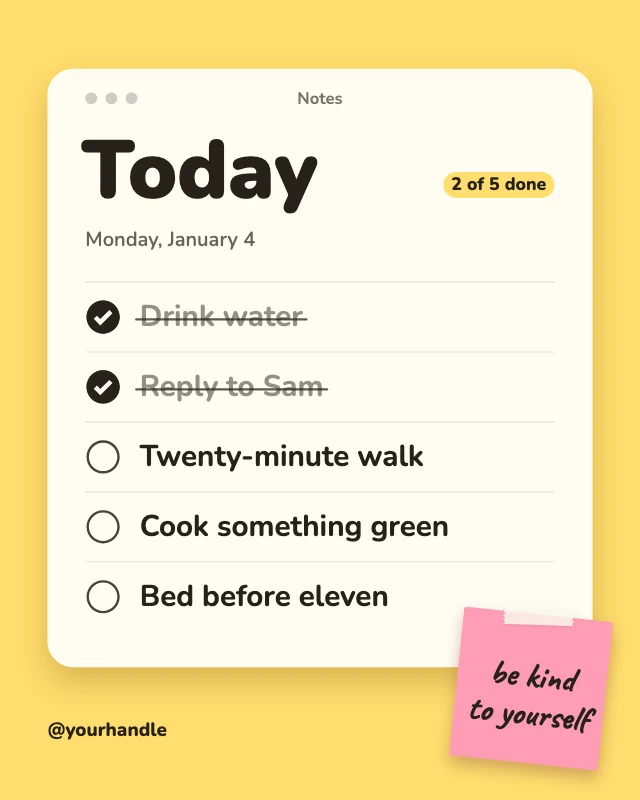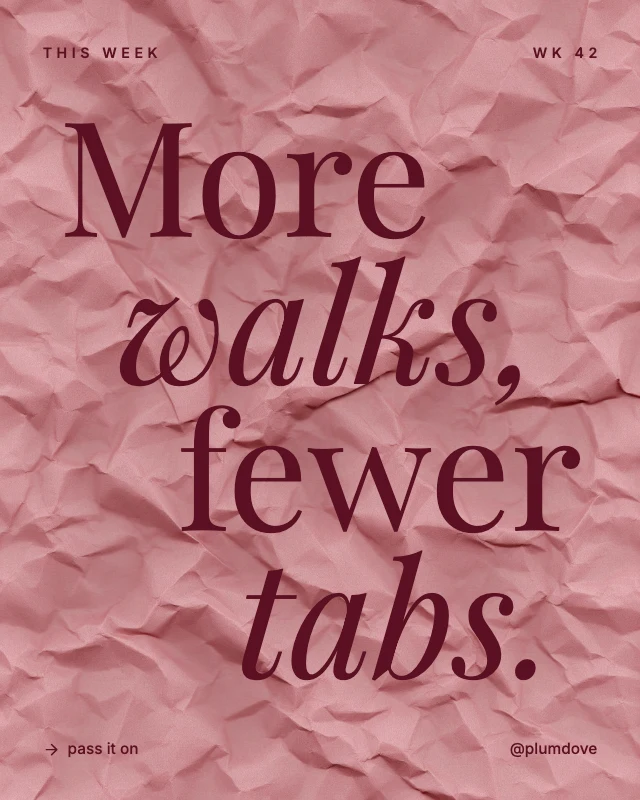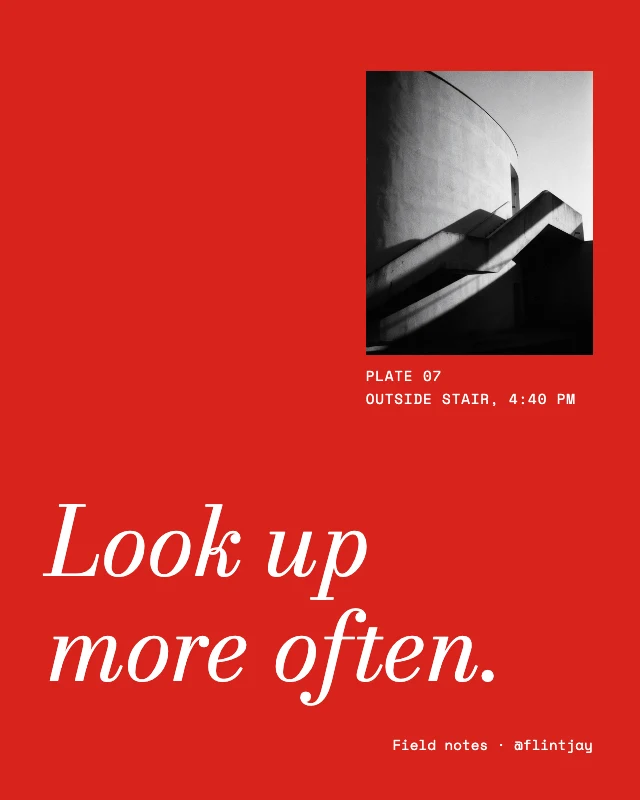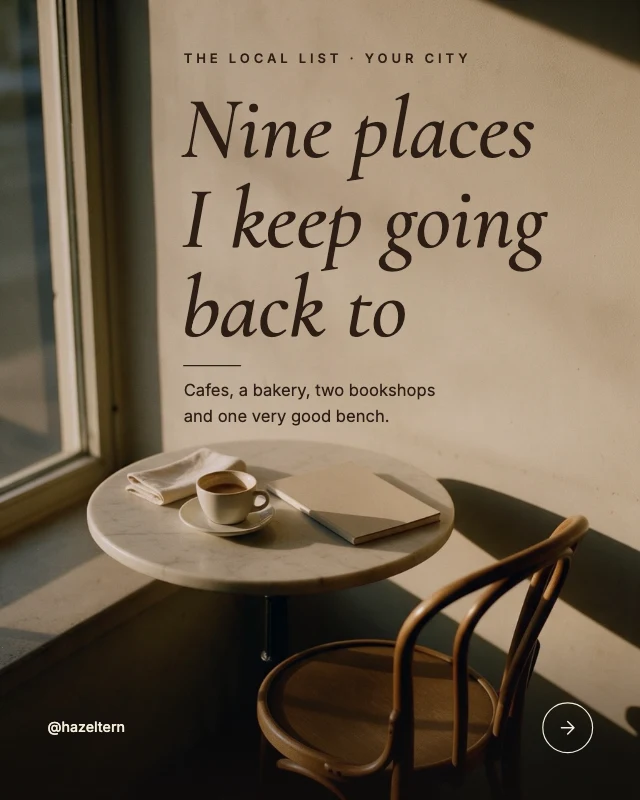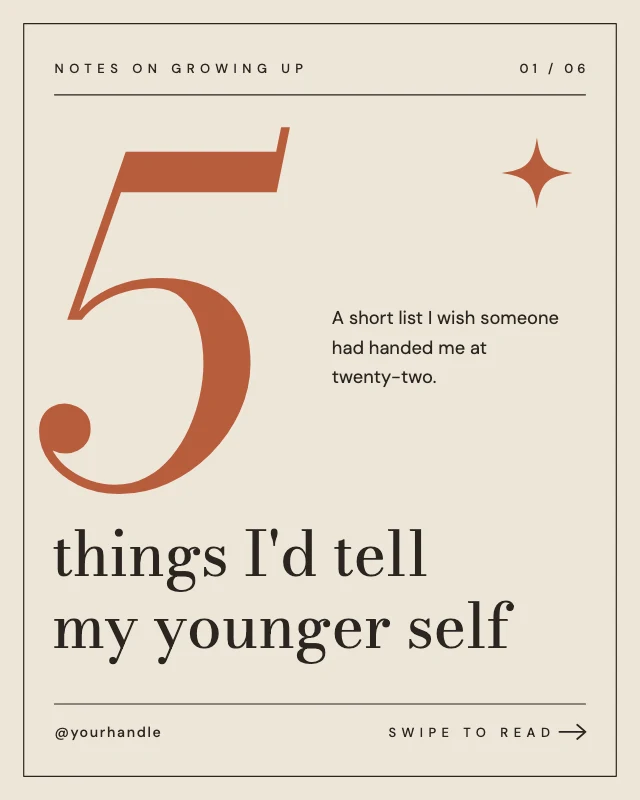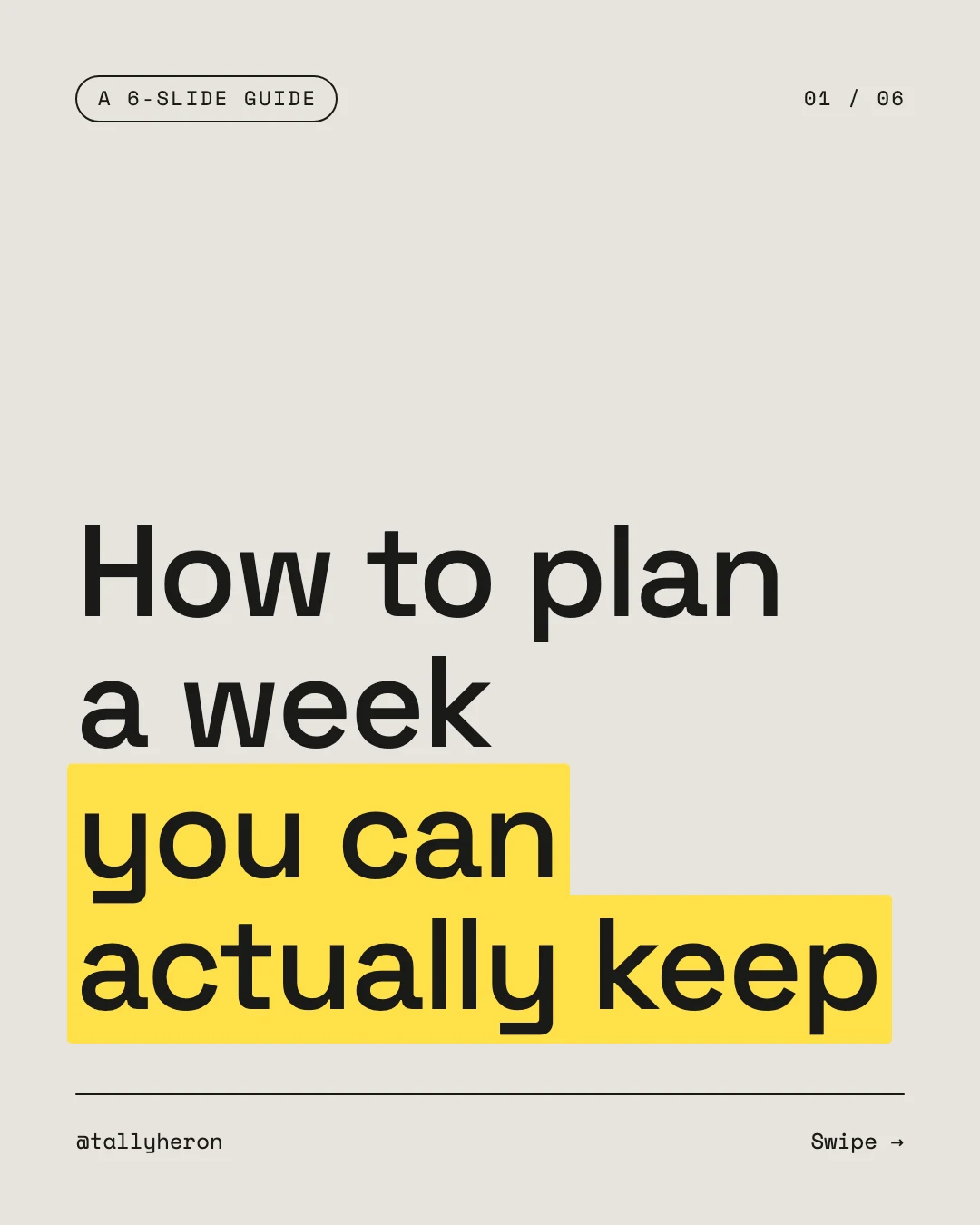
Highlighted how-to carousel cover
Free template · Instagram post (4:5) · 1080×1350
A type-only carousel cover for a how-to or tips post, with the key phrase on a yellow highlighter mark. Retype the title, the slide count and your handle. An Instagram post, 1080×1350 (4:5).
Free. Sign in or create a free account to open it in Design Studio, on a computer. Star it to find it again later.
What you can change
- Kicker · text
- Page · text
- Highlighted phrase · text
- Headline · text
- Handle · text
- Swipe · text
- Plus every colour, shape and font: all layers stay editable.
Details
- Format
- Instagram post (4:5), a 4:5 post for the Instagram feed
- Size
- 1080×1350 px
- Fonts
- Space Mono, Space Grotesk (free, loaded for you)
- Category
- Social
- For
- Creator content
- Style
- Minimal · Modern · Professional
See all: Instagram post templates · Templates for creators · Minimalist templates · Modern templates · Professional templates
How to use this template
- Choose "Use this template". It opens in Design Studio as your own copy.
- Click any text to select it, then click again to type.
- Click a photo, then Replace to use your own picture.
- Download as PNG or JPG, or ask the AI designer to change colours, wording or style.
Free on every plan. You can use, edit and publish what you make from a template, for personal or commercial work. The templates themselves may not be resold or shared as templates.
More like this
All Instagram post templates →
New on the blog post
Monday motivation blur post
Billboard carousel cover post
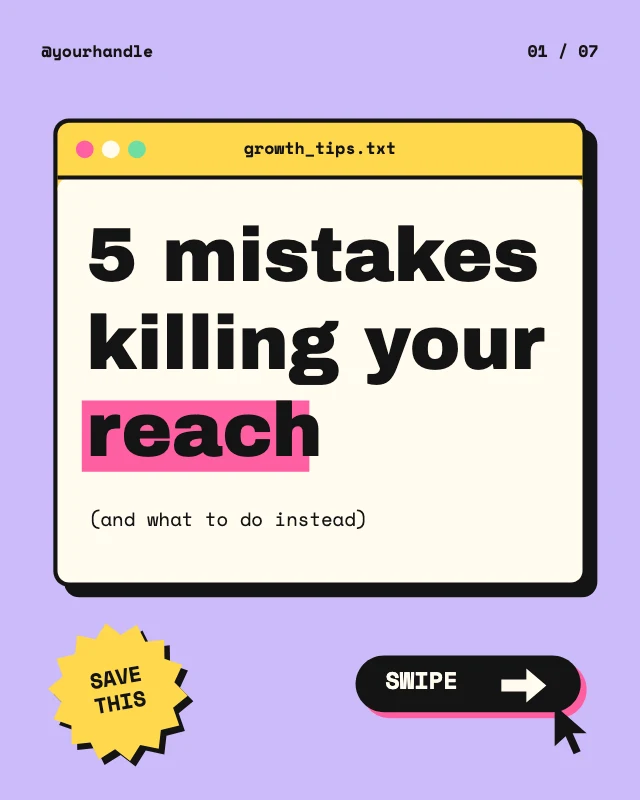
Tips carousel cover post
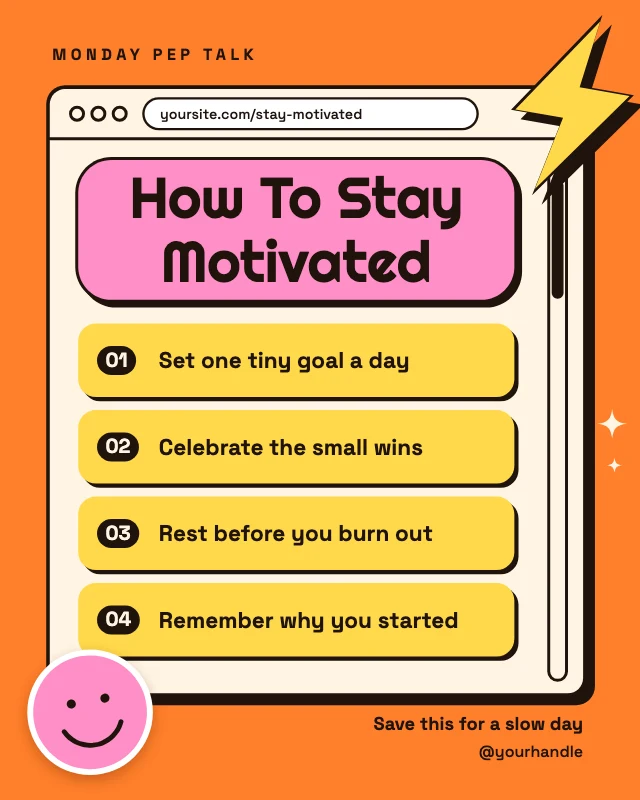
How to stay motivated tips
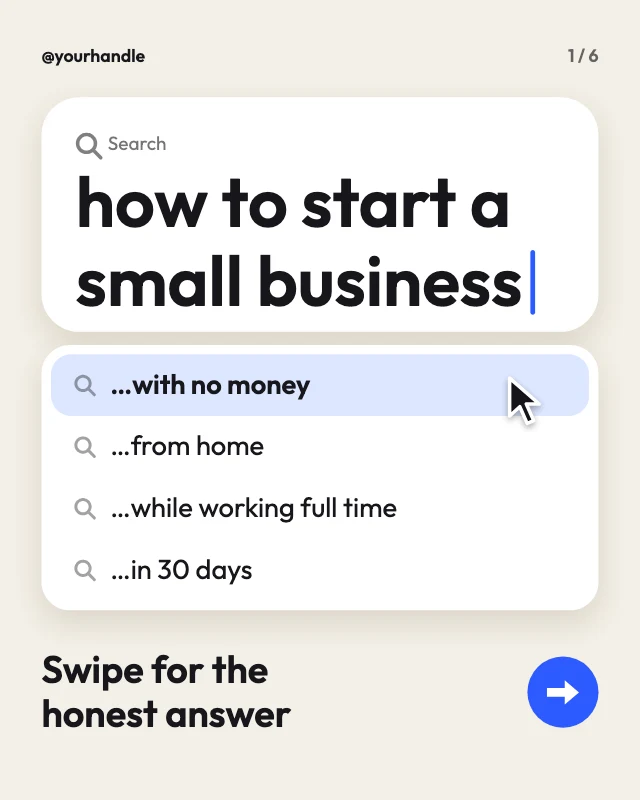
Search bar question post
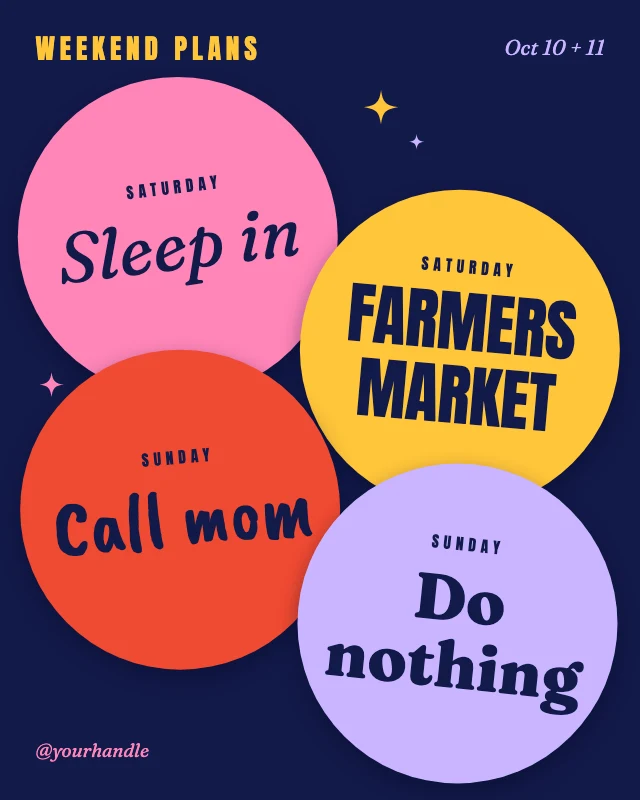
Weekend plans list post

Blog post pin
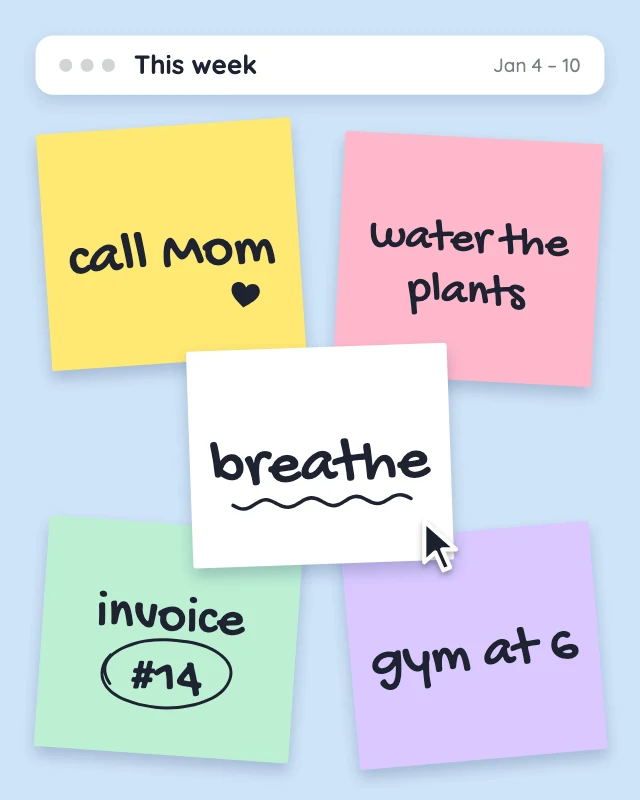
Sticky notes weekly reminders post
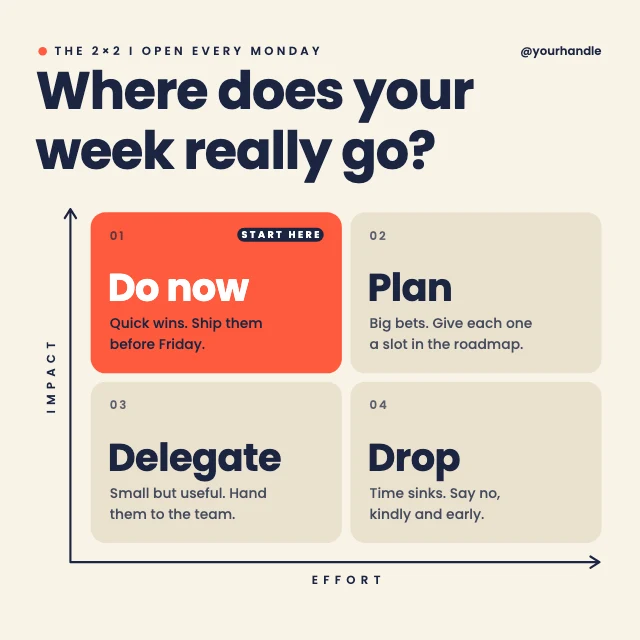
Priority matrix LinkedIn post
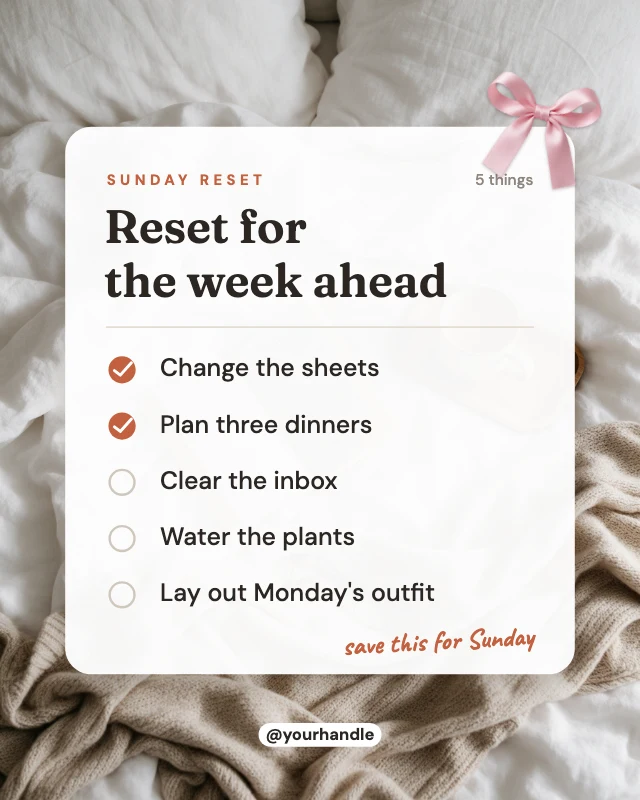
Sunday reset checklist post
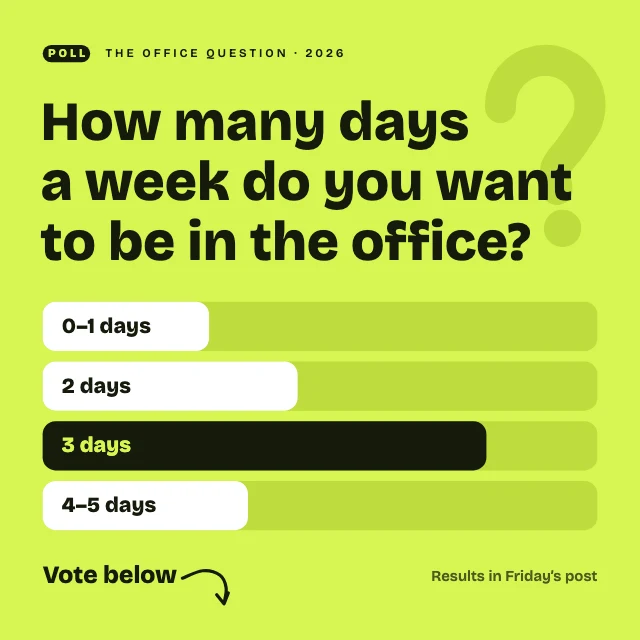
Poll question LinkedIn post