Close up of rear desktop PC I/O panel with connected cables, motherboard ports, and vented case
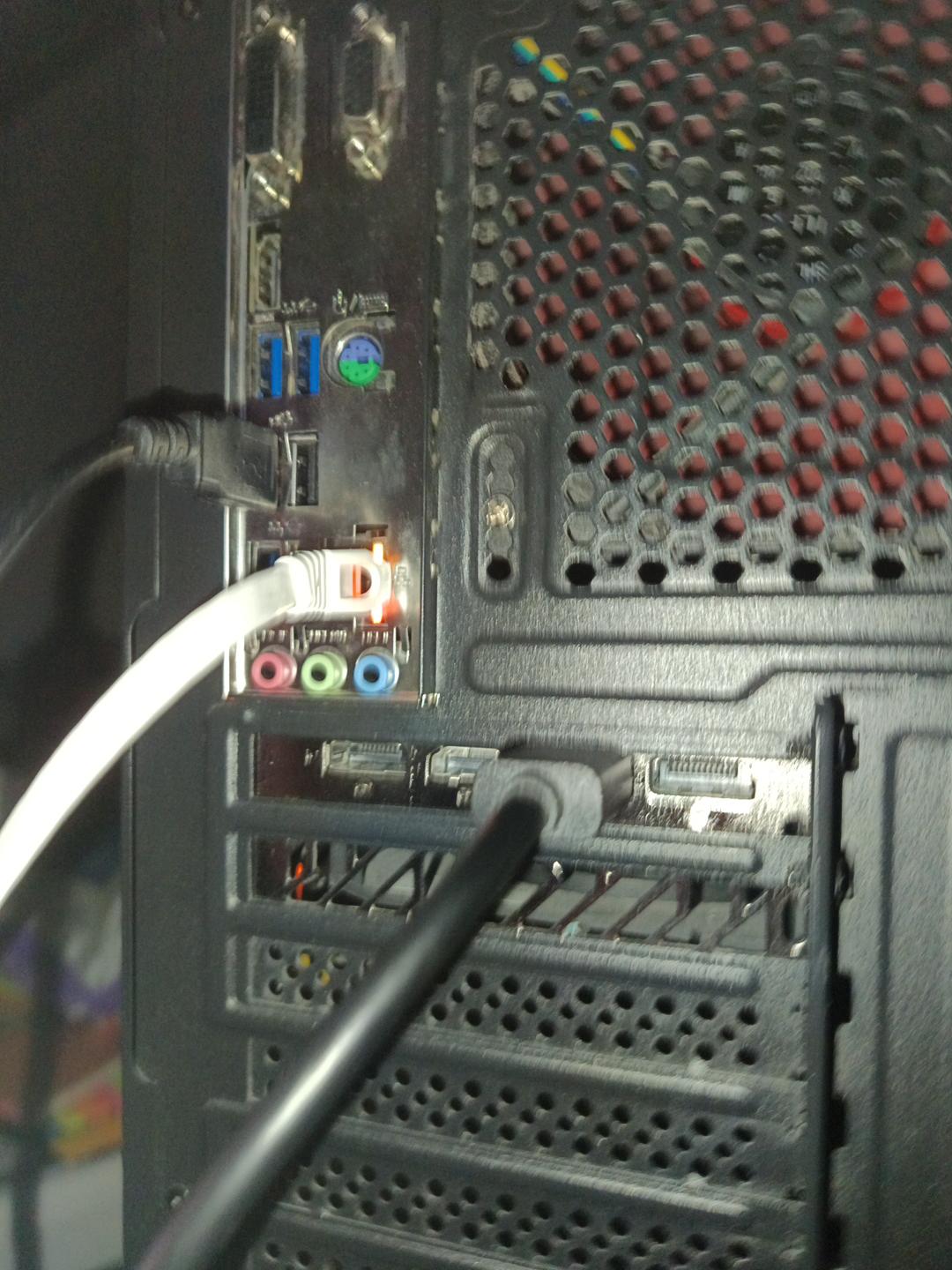
This detailed closeup shows the back of a black desktop gaming PC, displaying the motherboard I/O port array and slotted expansion bay covers. Visible components include color-coded 3.5mm audio jacks, USB ports, Ethernet, and display outputs, with multiple data cables plugged into active ports. The perforated case ventilation grill features red anti-vibration pins, with small orange status lights glowing near the connected white Ethernet cable.

Close up of rear desktop PC I/O panel with connected cables — AI art by @progoonertzt

@progoonertzt · 10/1/2026

Hallo guys
Close up of rear desktop PC I/O panel with connected cables, motherboard ports, and vented case
This detailed closeup shows the back of a black desktop gaming PC, displaying the motherboard I/O port array and slotted expansion bay covers. Visible components include color-coded 3.5mm audio jacks, USB ports, Ethernet, and display outputs, with multiple data cables plugged into active ports. The perforated case ventilation grill features red anti-vibration pins, with small orange status lights glowing near the connected white Ethernet cable.

Tags: desktop PC rear panel, PC hardware, motherboard I/O ports, gaming PC build, computer setup, USB ports, audio jacks, Ethernet cable, PC case vent, tech hardware, cable management, desktop computer, PC installation, computer ports, DIY PC build

0