
Black cat ninja in red scarf and armor leaping
By @CaylaCatz ·
30 likes · 43 comments
Shadow Sprint QT: daily free PixVerse C1 video I loved the clip I made with the daily free Pixverse C1 but I wanted to change up the sound. So I used OpenShot, a free open source video editing program. https://www.openshot.org/ It's pretty basic and fairly easy to use. I dropped in my Pixverse clip, removed the audio, added my music and threw in a opening title screen. What do you think?
Tags
- cat ninja
- cyberpunk cat
- samurai cat
- fantasy battle
- anime style
- epic action
- neon cityscape
- armored feline
- sword combat
- red scarf
- martial arts hero
- animated reel
- Cayla Catz Tiny Reel
- Japanese signage
- steampunk vibe
About this video
A dynamic, neon-drenched scene features a black cat warrior in intricate armor and a flowing red scarf, leaping through a bustling cyberpunk city. The dramatic composition highlights weaponry, steam, and towering lanterns as armored foes close in, creating an epic, action-packed fantasy vibe perfect for gamers and anime fans.
Comments (43)
yeah, since it's free and open source, there's a lot of tutorials on it. Plus I think people make add-ons? But I've never tried them. I like it a lot. Suno tracks when added are usually very loud so I scross toward the bottom of the properties list on the list to the volume control. This one I did at 0.20 volume so that tells you how loud the track was initially. When you bring a clip in and add it to the timeline, right click it and one of the choices is to to seperate video and audio. I do that and then erase the audio. Also with right click on an audio track, you can set it for waveform view. I find that very helpful. Let me know how it goes!
Wow ! Ninja cats are awesome ! 🤩👏✨
I gave a link to OpenShot. It's a free video editor. User_google above said he was going to use it, so I gave some advice on how I used it and there are lots of free tutorials on YT. The music I did in Suno.
Thank you, Cayla! But please don't make it a major task--I'm sure you've got plenty of items to cross every day out on your to-do list, both on and off BP. 🙂
yeah, I've done that. I did that in this one https://www.youtube.com/watch?v=vMax1o-15h4 . And more obviously in this one https://www.youtube.com/watch?v=XpqONIto8vo . But that was like a year ago? That's like light years in AI model time
thank you for the lovely comment and the credits. Openshot is free. If you look at the next coment user-google, I gave a bit of explanation on how I used it
@legion ·
You did great! Did you know you can use the last frame as the beginning of another video to make it longer?
Nice! I've got a few AI videos that I just can't stand the soundtrack; this seems to be the solution. Thanks for sharing this!
Thank you again! My very much techno-challenged little brain does call for a very detailed how-to guide like this to make it work. 👍
Thank you. The 10 second clip was all pixverse. I think my intro with the title was too long. I'll try shorter next time.
Sign in to join the conversation.
More from @CaylaCatz
See all → Cute anthropomorphic cat holding a vintage camera stands at a glowing lantern festival beside an ornate hot air balloon
 VideoAnthropomorphic bulldog in steampunk pilot attire plays a gear-decorated guitar against a sunset steampunk city skyline
 Whimsical steampunk Alice in Wonderland comic of a tea party group debating the peculiar joy of Freaky Fridays
 Hand drawn pen sketch of a fancy cat face wearing a tall top hat and bow tie
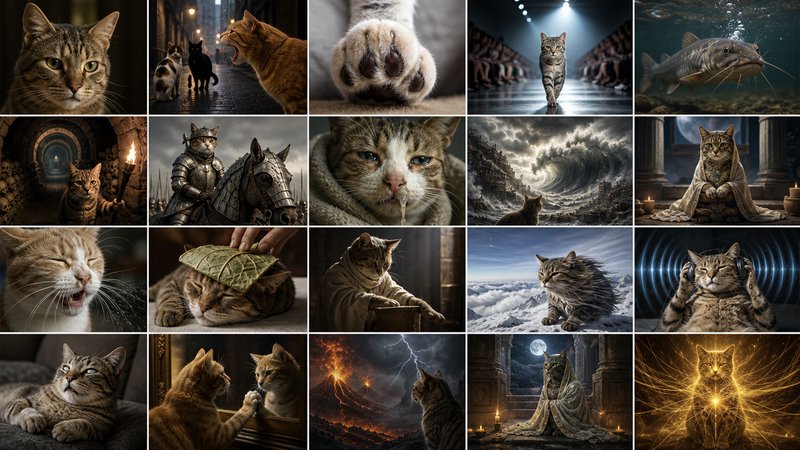 Grid collage of surreal photorealistic cat art showing tabby cats in a wide range of whimsical fantasy and silly scenarios
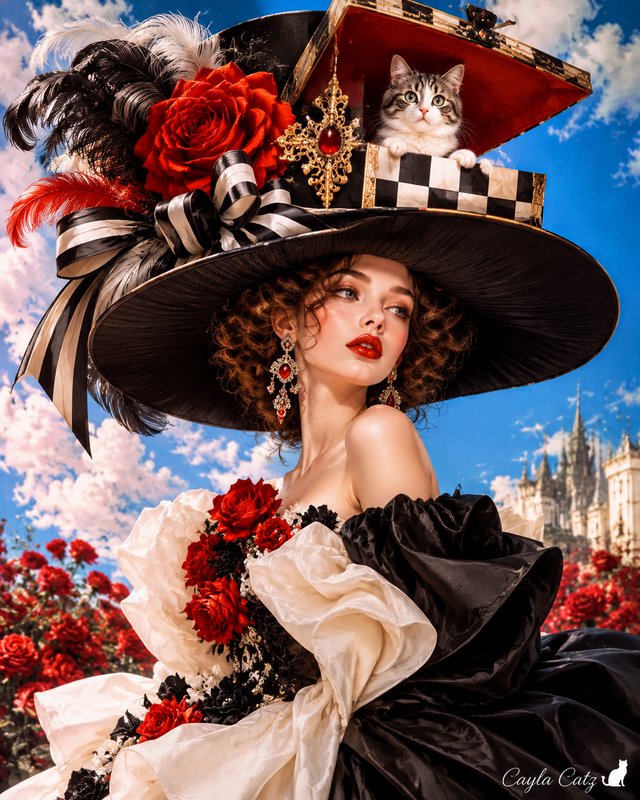 Elegant woman in an ornate wide hat with a tabby kitten peeking from a box perched on her hat
More like this
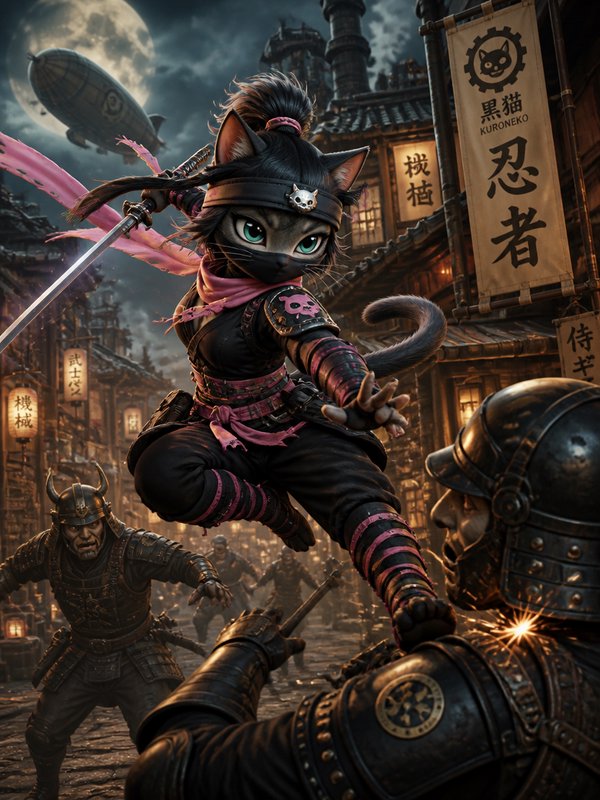
More anime →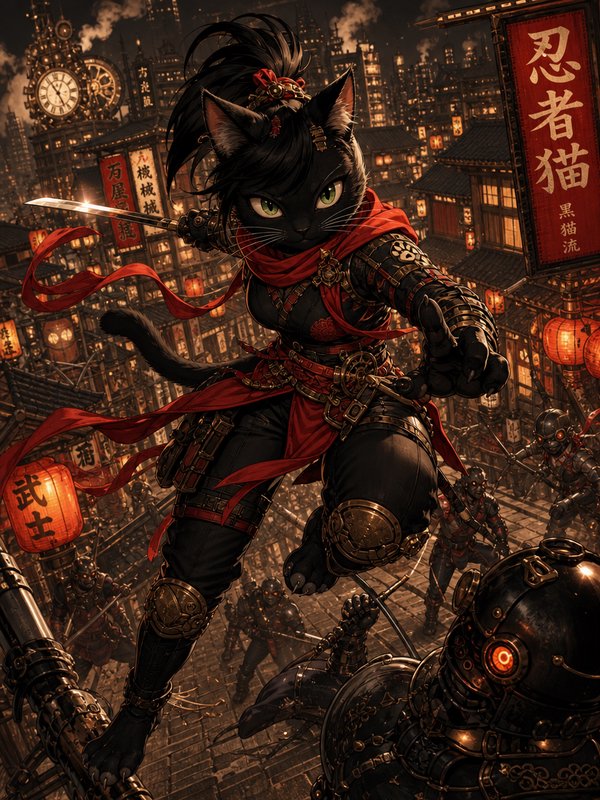
Made on BudgetPixel
The models and tools behind posts like this one.