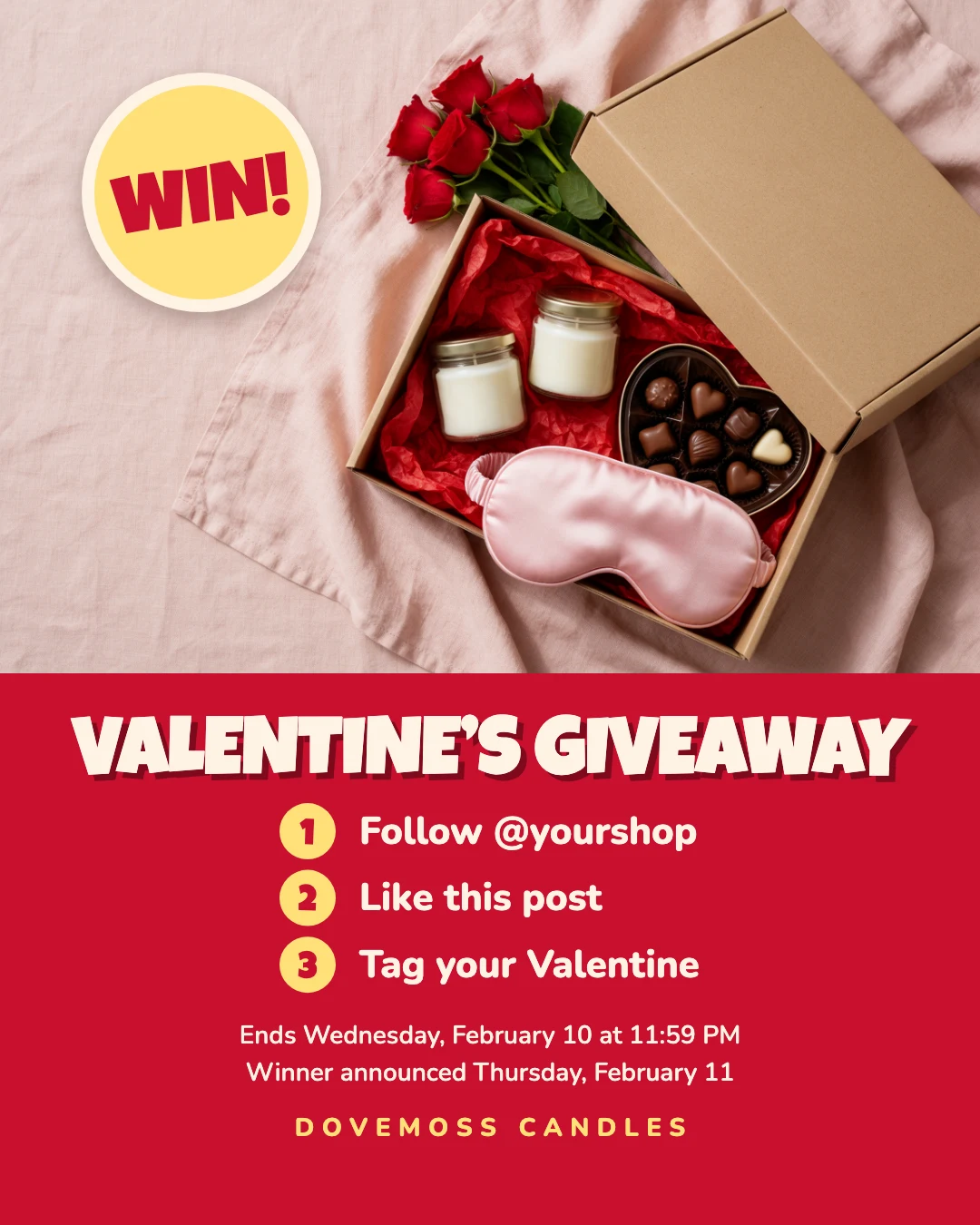
Valentine’s giveaway post
Free template · Instagram post (4:5) · 1080×1350
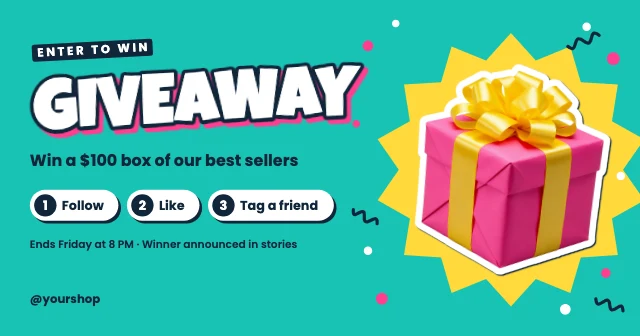
A shop’s Valentine’s giveaway: a gift box photo with a WIN sticker, three numbered steps to enter, and the closing and winner dates. Change the prize photo, steps and dates. An Instagram post, 1080×1350 (4:5).
Free. Sign in or create a free account to open it in Design Studio, on a computer. Star it to find it again later.
What you can change
- Gift box photo · photo: a top-down photo of the prize with a plain corner
- Sticker word · text
- Title · text
- Step numbers · text
- Steps · text
- Rules · text
- Shop name · text
- Plus every colour, shape and font: all layers stay editable.
Details
- Format
- Instagram post (4:5), a 4:5 post for the Instagram feed
- Size
- 1080×1350 px
- Fonts
- Luckiest Guy, Nunito (free, loaded for you)
- Category
- Social
- For
- Sales & promos
- Occasion
- Valentine's Day
- Style
- Bold · Playful · Photo
See all: Valentine's Day templates · Instagram post templates · Sale and promo templates · Bold and colorful templates · Cute and playful templates · Photo templates
How to use this template
- Choose "Use this template". It opens in Design Studio as your own copy.
- Click any text to select it, then click again to type.
- Click a photo, then Replace to use your own picture.
- Download as PNG or JPG, or ask the AI designer to change colours, wording or style.
Free on every plan. You can use, edit and publish what you make from a template, for personal or commercial work. The templates themselves may not be resold or shared as templates.
More like this
All Instagram post templates →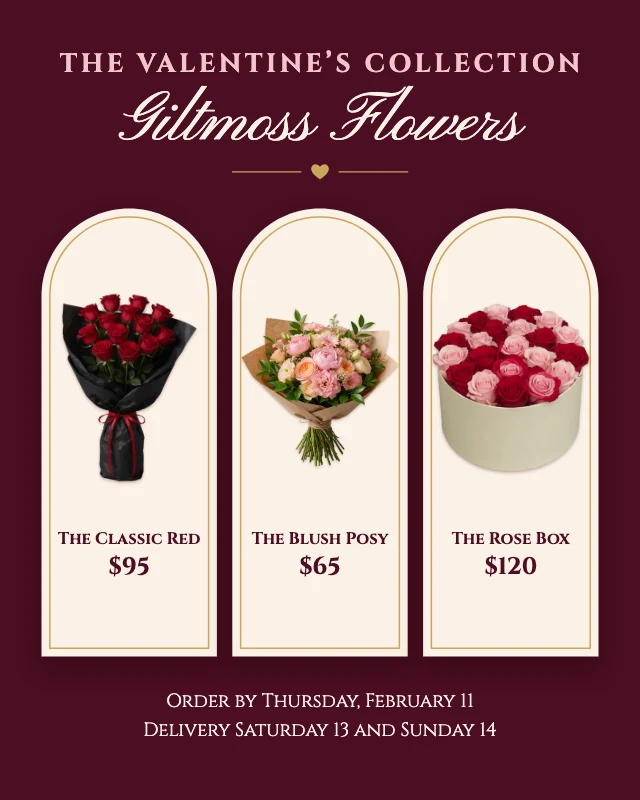
Florist Valentine’s collection post
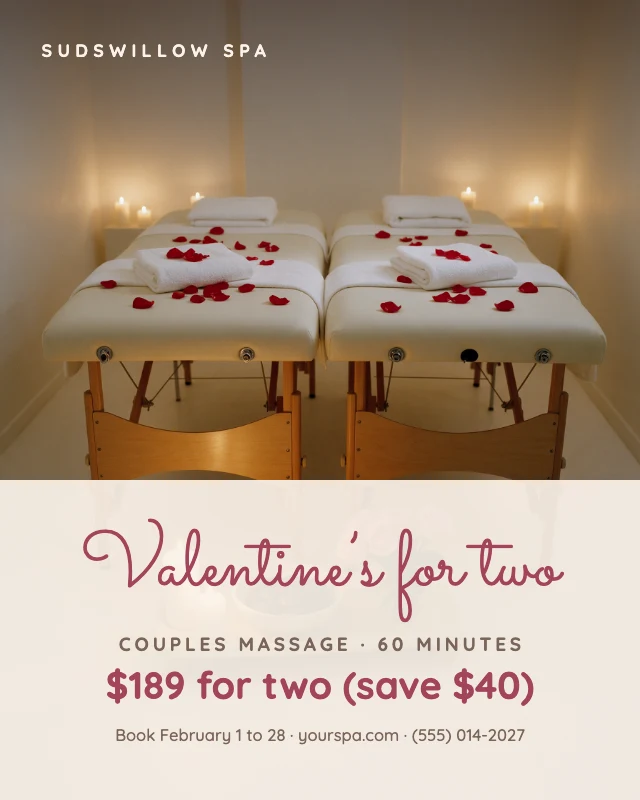
Couples spa Valentine’s special
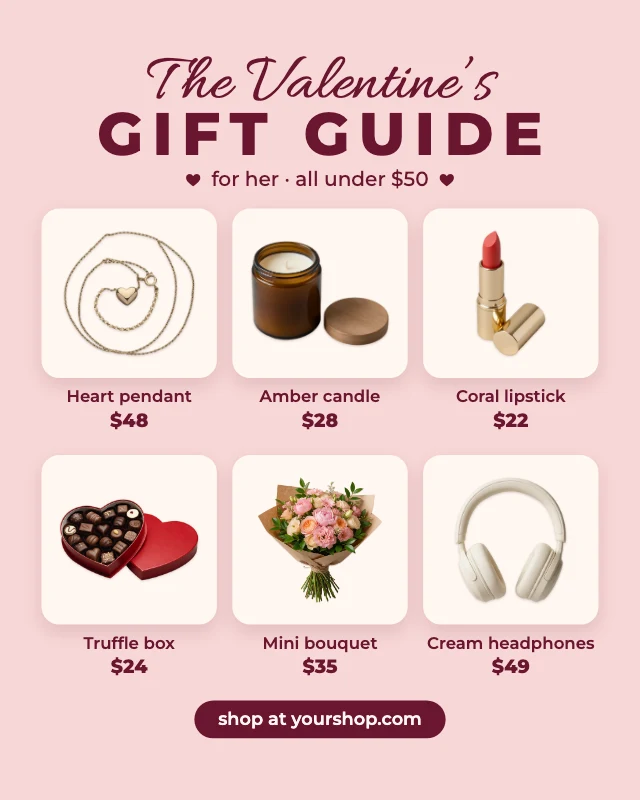
Valentine’s gift guide post
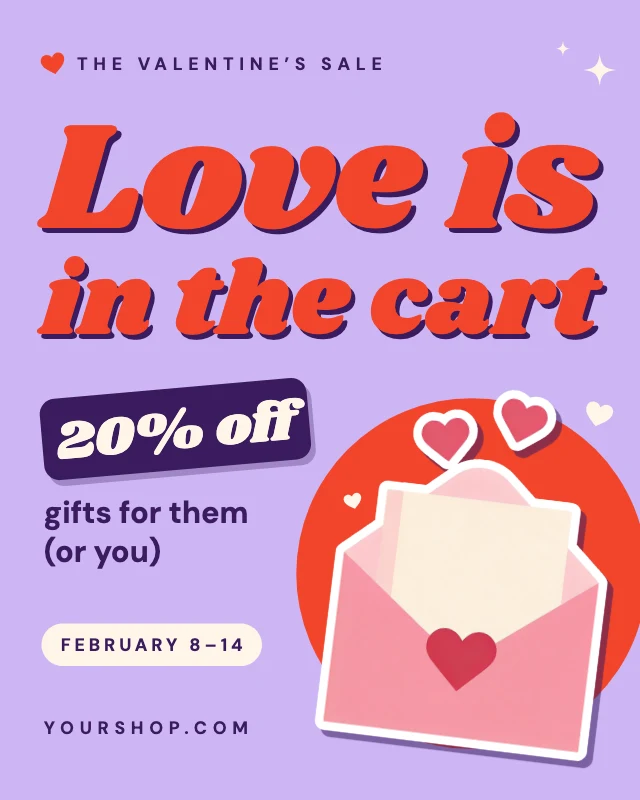
Valentine’s Day sale post
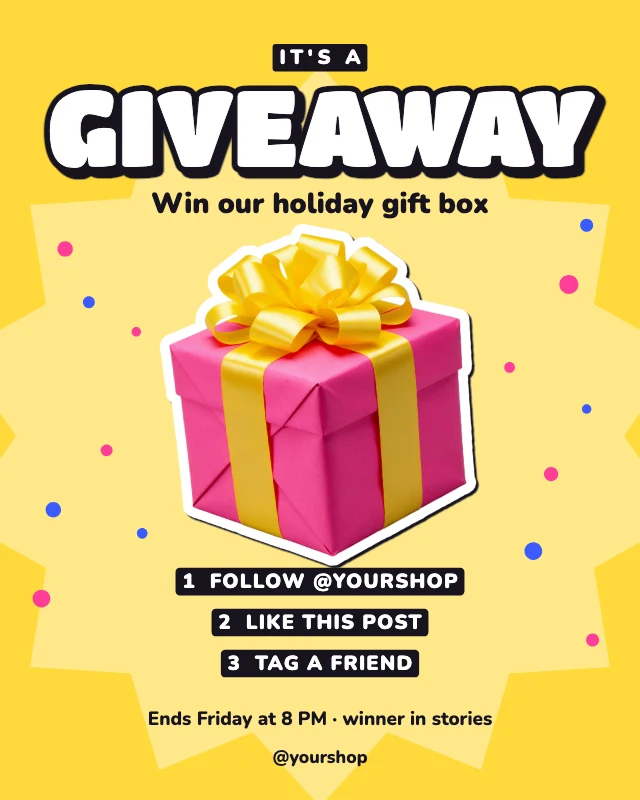
Giveaway post
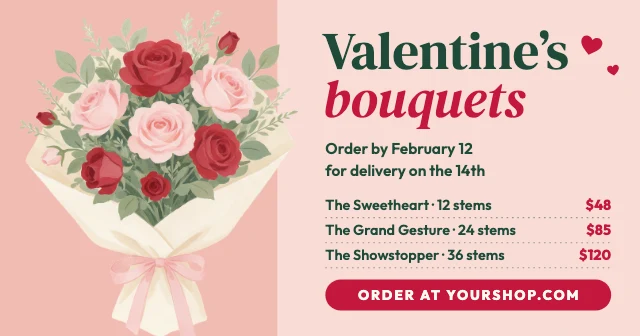
Valentine’s flowers Facebook post
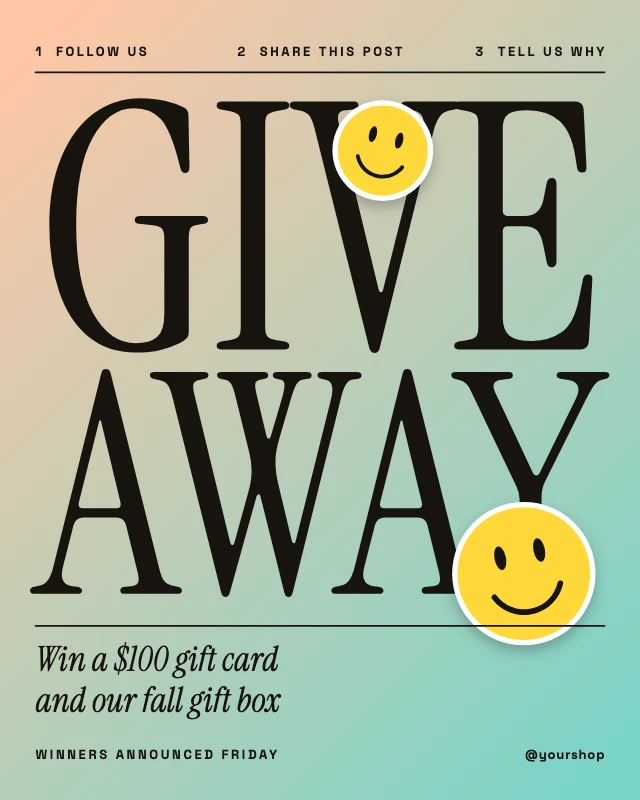
Giveaway gradient post
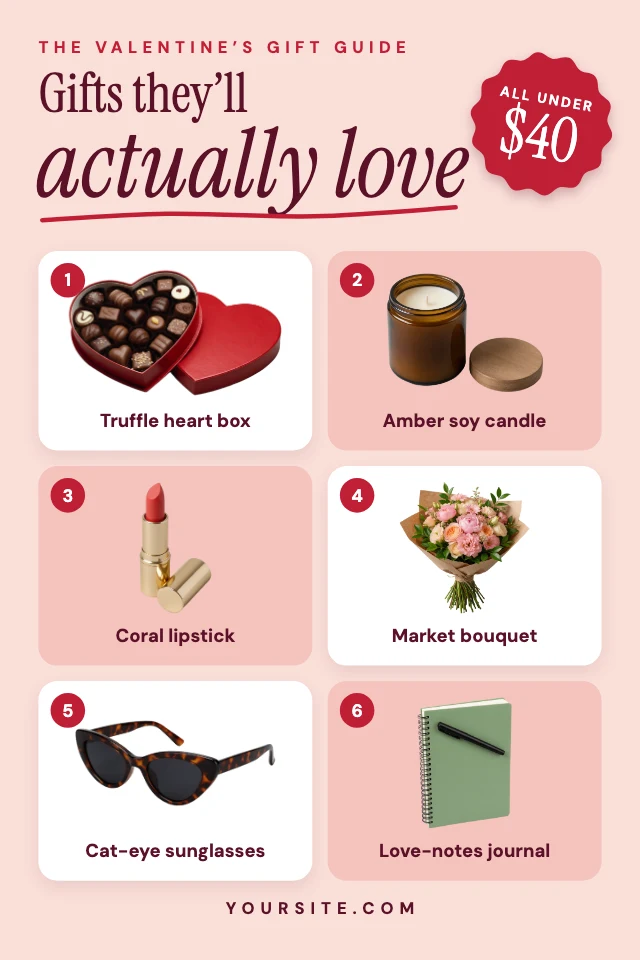
Valentine’s gift guide pin
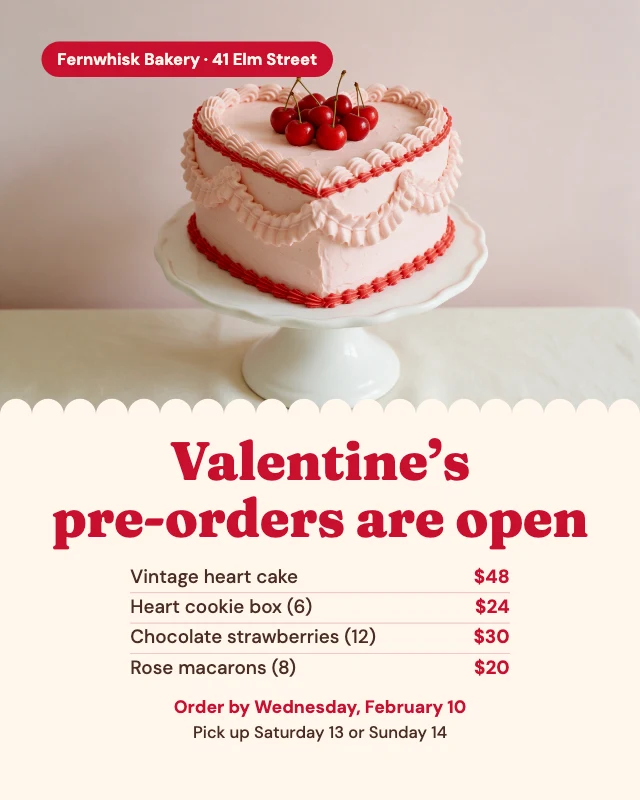
Valentine’s bakery pre-order post
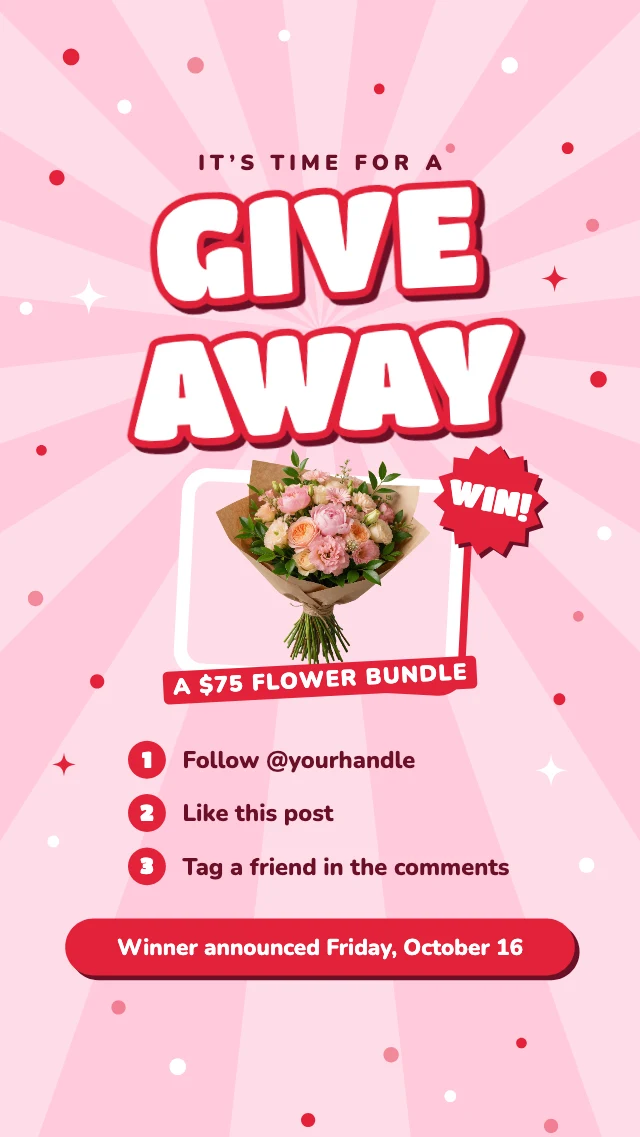
Giveaway steps story
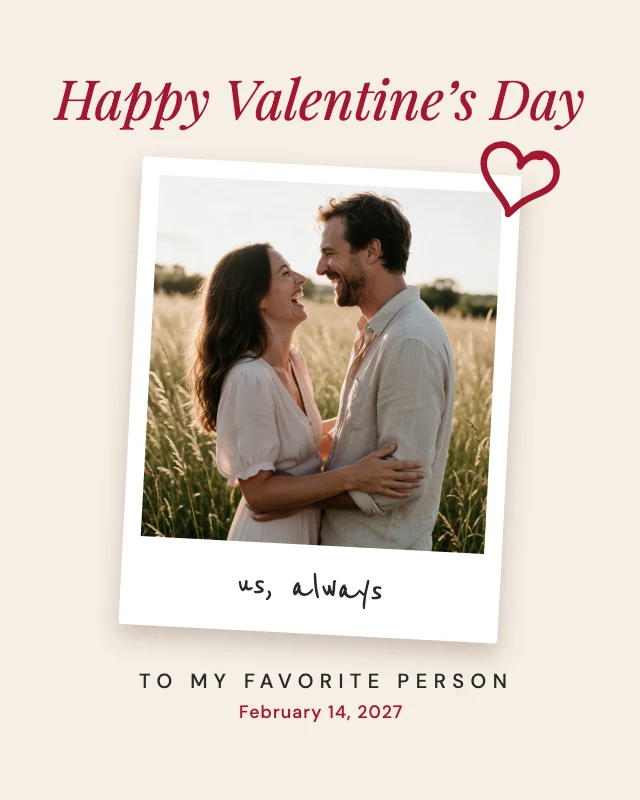
Couple photo Valentine’s post
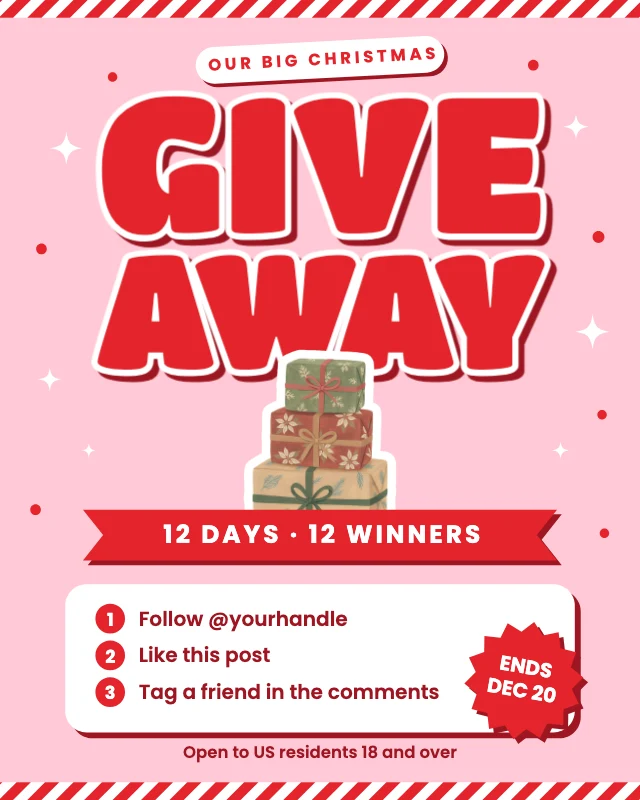
Christmas giveaway post