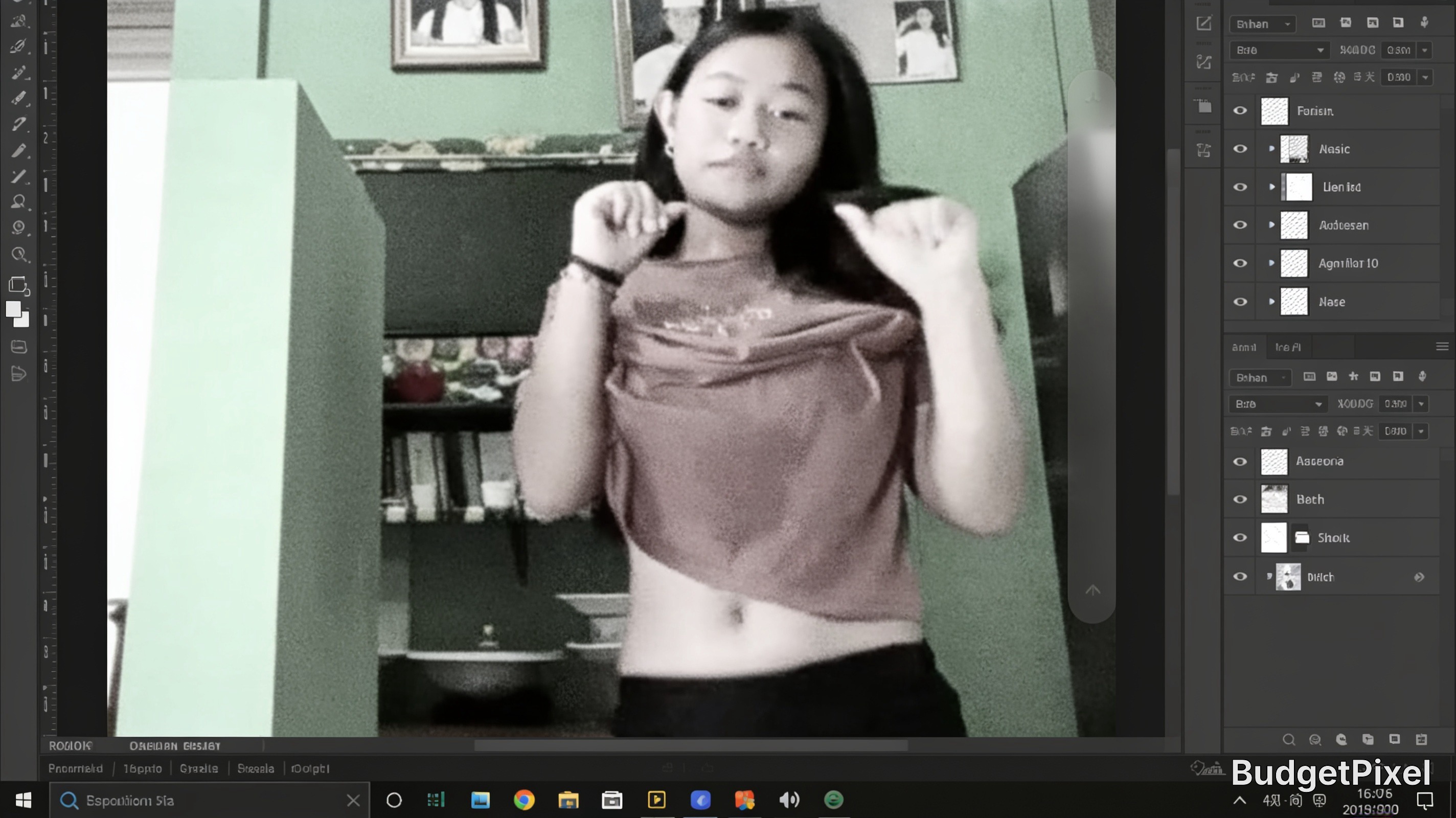
This screenshot captures the Adobe Photoshop interface while editing a playful casual portrait of a young teen girl posing in her bedroom, using a popular selective color effect that isolates her soft mauve crop top against a fully desaturated grayscale background to center focus on the subject. The editing workspace displays standard Photoshop layer panels on the right, with a mint green bedroom wall lined with framed family photos and a bookshelf visible behind the teen in the source portrait. This example showcases a common creative editing technique used to elevate casual personal photos for social media platforms, ideal for beginner photo editing learning.
Tags: Photoshop photo editing, selective color effect, teen portrait photography, photo editing tutorial, casual portrait, bedroom photoshoot, Adobe Photoshop workspace, social media photo edits, desaturated photo effect, creative portrait edits, beginner photo editing, Windows desktop screenshot, photo manipulation, casual teen outfit