Massive antlered forest creature — AI art by @user_google_373939
@user_google_373939 · 4/1/2026
Epic boss battles inspired by the viking like qualities of the rohan riders in lord of the rings. I Loved the costume designs in the movies. Definitely needs more work especially with the scene and visibility of the individuals.
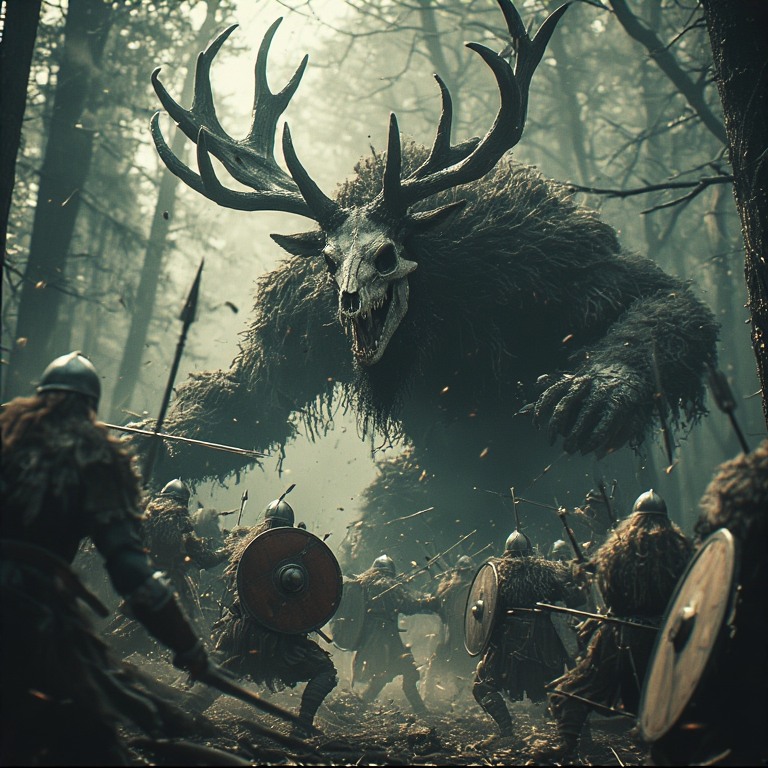
Tags: fantasy, dark fantasy, epic battle, forest creature, stag demon, skeletal mask, medieval warriors, shields, swords, misty forest, mythical beast, heroic fantasy, battle scene, mythic monster, nature magic
Comments
CaylaCatz
It's a cool pic. I get what you mean by visibility but that might be somewhat fixable with contrast and saturation if you want to keep this image. If you don't have Photoshop or other image app, BP has one in-house in the right menu under workspace called Design. I did a short blog about using the contrast/saturation part and it's free in design workshop (DW). I like free. There are other things you can do in DW but some of them cost credits. Also there's a sepia setting -- that desaturates and adds yellow. But if you add just a little, it adds a little yellow and takes away a little blue. Try increase contrast, increase saturation, and maybe a little increase brightness),and see what happens. Then if it were me, since there's not a lot of color anyways, I'd experiment with desaturation -- saturation down to the left making it more to a grey tone & sepia up to right so it'll add more browns. If you try that, you should get more of a vintage sepia photo look which may look good here.