Is an AI Camera Angle App Actually Useful? It Depends on How You Create
 @Cheinia
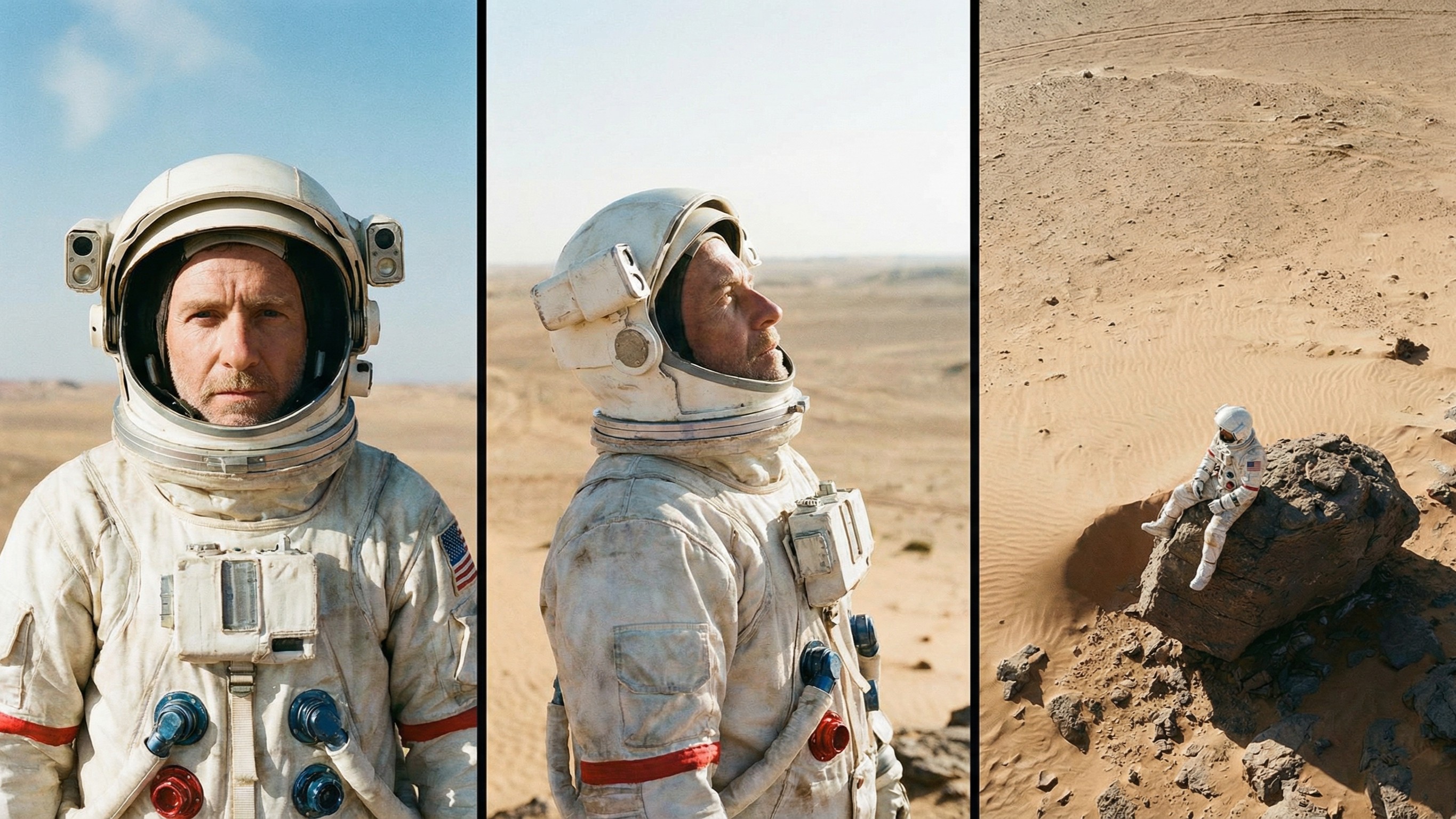
When people first hear about an AI tool that changes camera angles, the reaction is often mixed.
Some think:
“Isn’t this just another gimmick?”
Others ask:
“Why not just regenerate the image?”
Both reactions make sense—until you’ve actually run into the problem this kind of tool is trying to solve.
Because camera angle isn’t a visual detail.
It’s a decision.
And decisions are expensive to redo.
The Real Problem: Regeneration Is Wasteful
Most AI image workflows are built around generation.
You prompt.
You generate.
You regenerate.
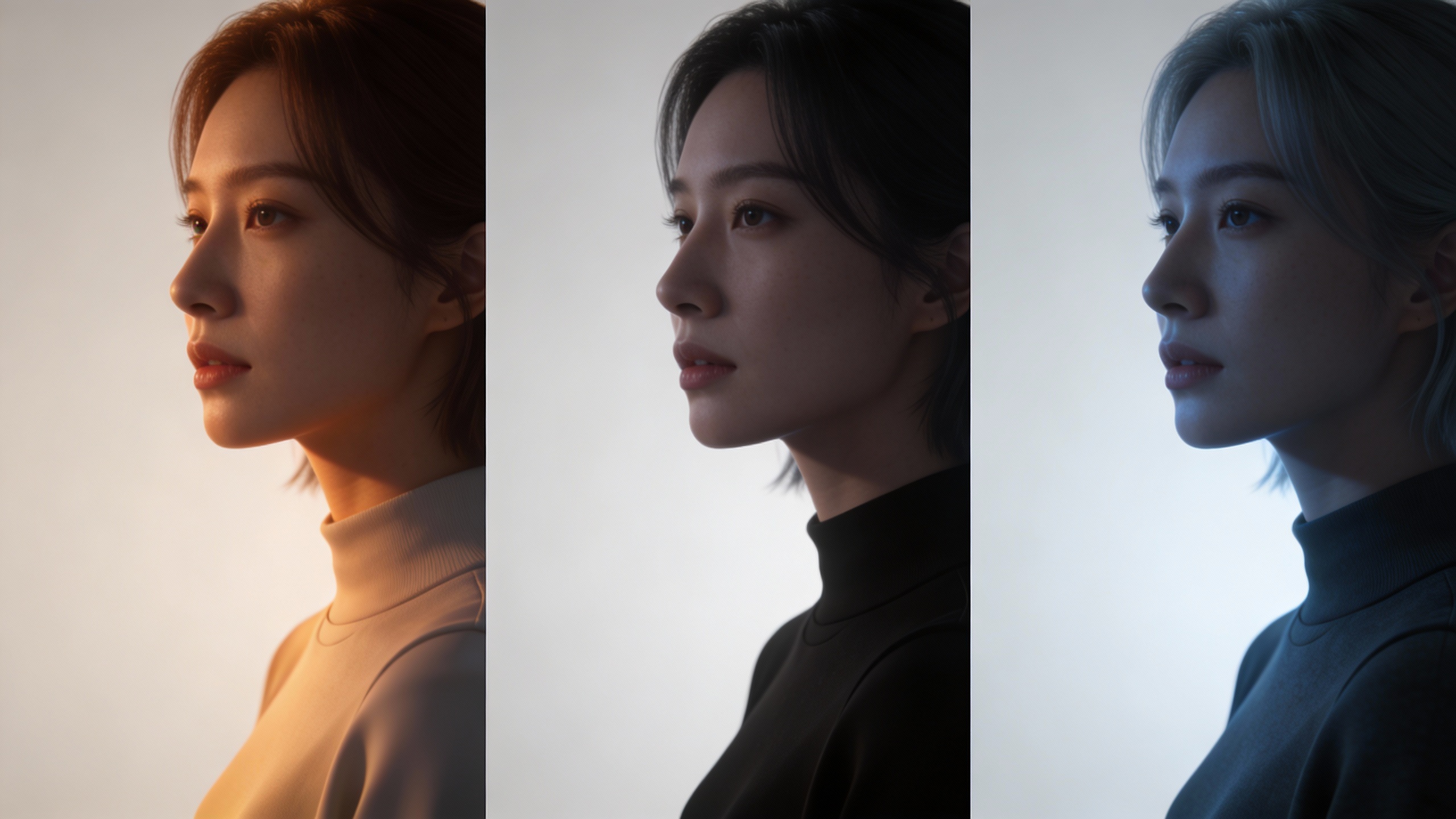
That works—until you already have an image that’s almost perfect.
The subject is right.
The lighting works.
The mood feels correct.
But the camera angle is wrong.
At that point, regeneration becomes destructive. Every new attempt risks:
changing the subject’s identity
breaking lighting logic
losing the mood you liked
The Camera Angles app on BudgetPixel exists specifically for this moment.
It doesn’t try to replace image generation.
It tries to save good images from being thrown away.
What the Camera Angles App Actually Does
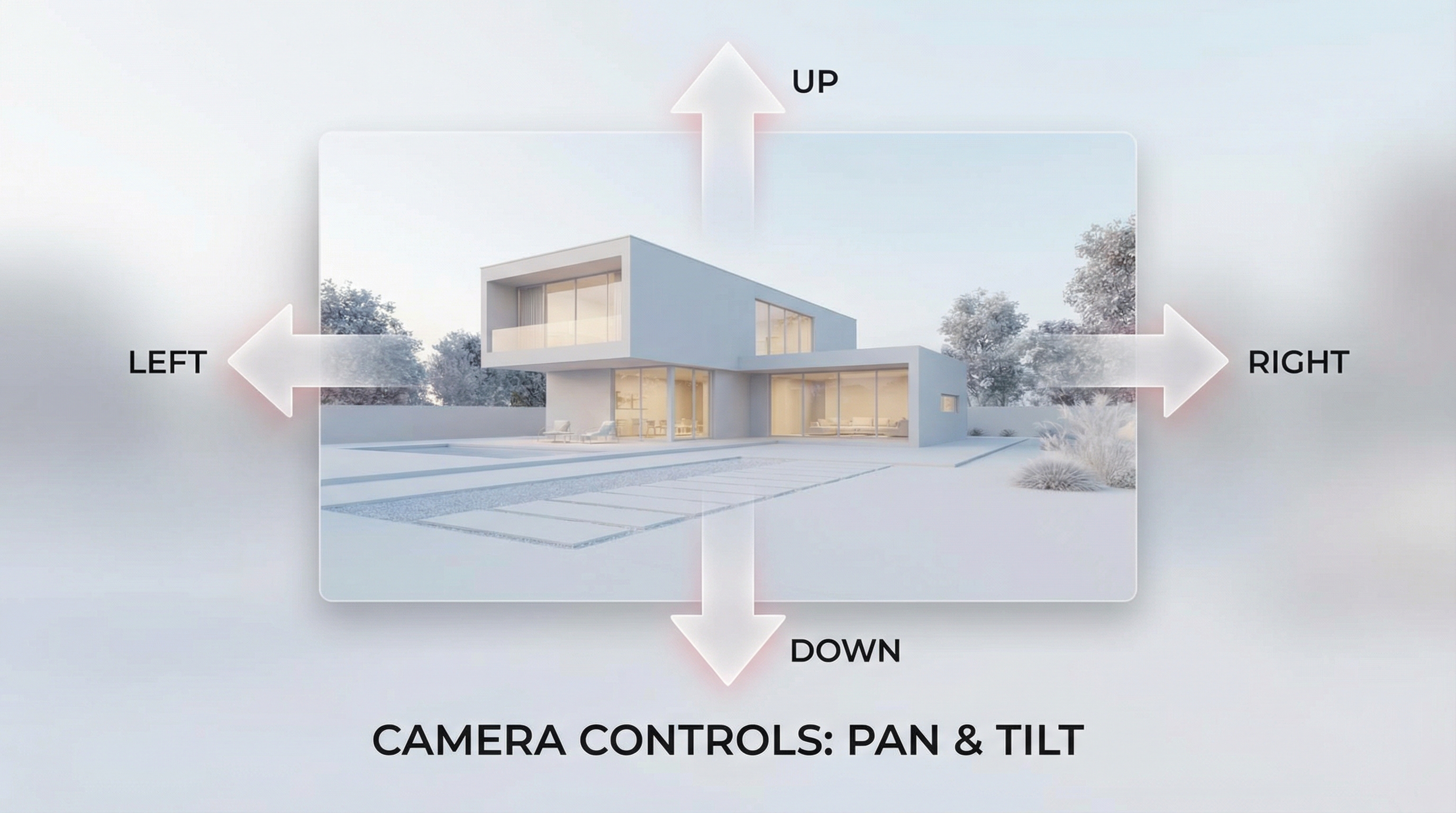
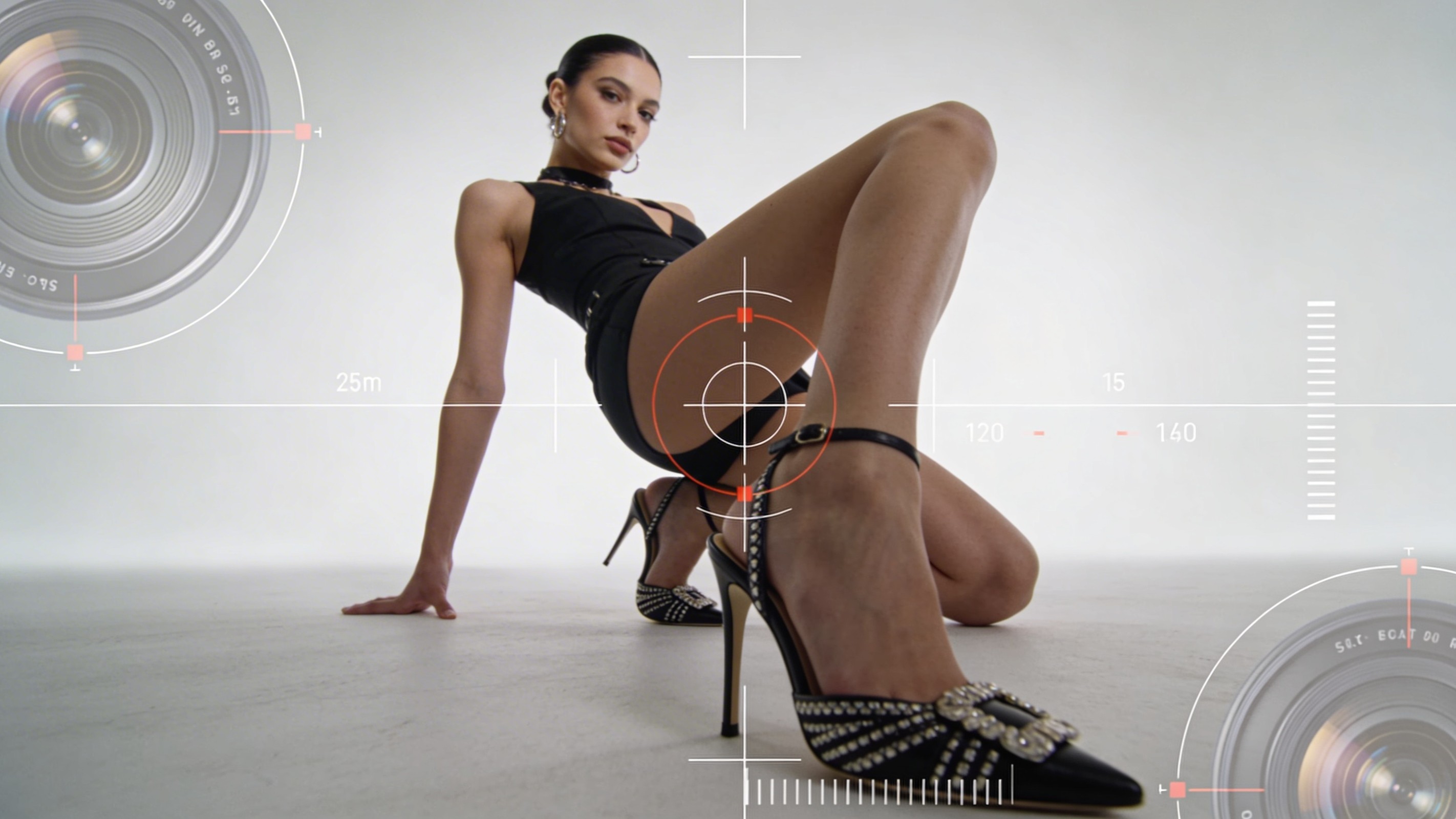
The app allows you to upload an existing image and adjust how it’s viewed:
shift the camera left or right
move the camera up or down
choose different lens types
You’re not redesigning the scene.
You’re repositioning the camera.
That distinction is subtle—but powerful.
It turns AI image creation from “try again” into “adjust intentionally.”
Who Actually Needs This App?
Not everyone does. And that’s important to say honestly.
But for certain creators, camera control is not optional—it’s foundational.
1. Photographers (and Photography-Minded Creators)
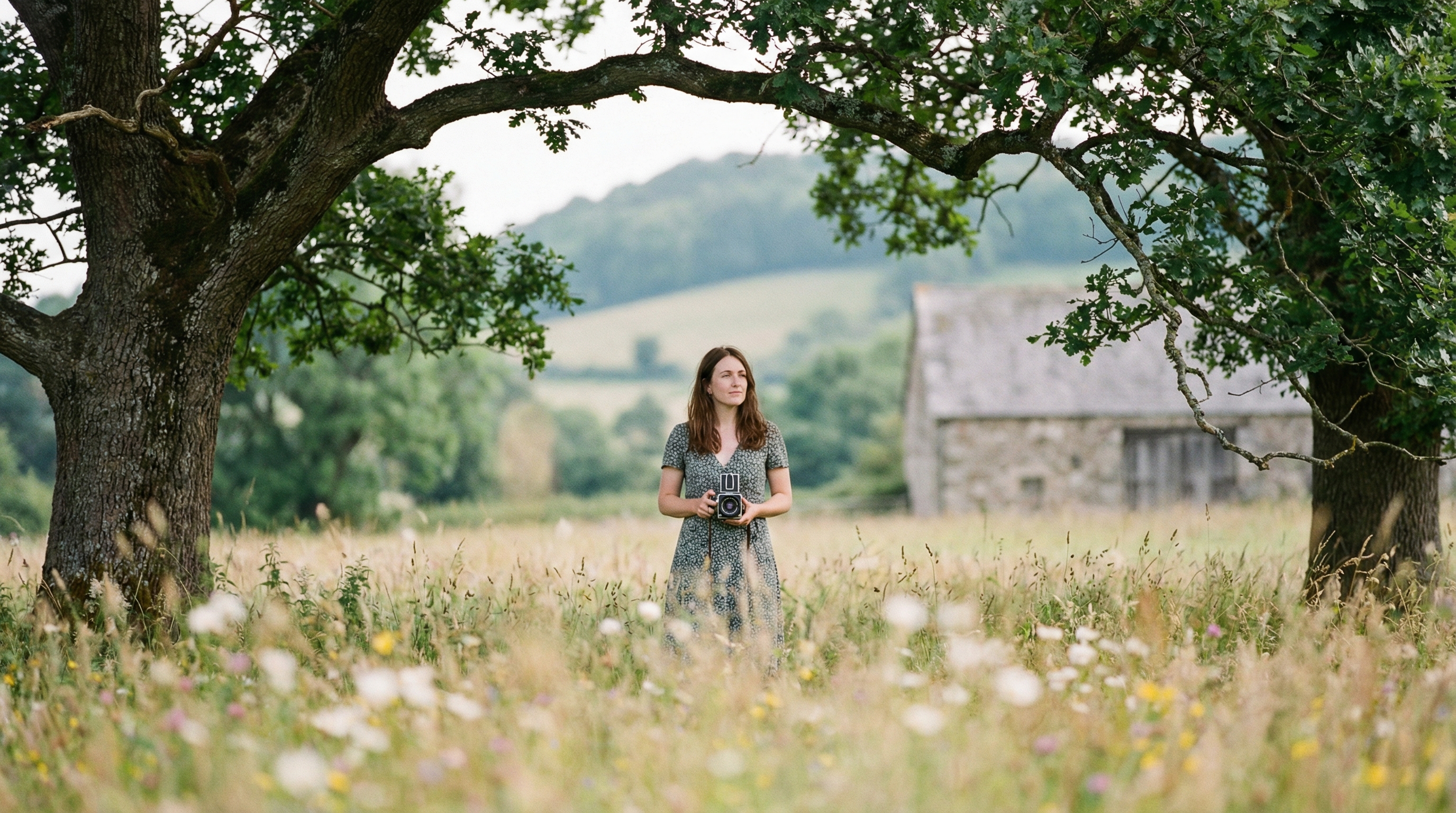
Photographers think in camera language naturally.
They care about:
perspective
lens compression
subject dominance
spatial balance
For photographers using AI, one of the biggest frustrations is that traditional AI generation ignores this mindset. You describe a scene, but you don’t place the camera.
The Camera Angles app bridges that gap.
It lets photographers:
test alternate viewpoints of the same image
explore perspective without re-prompting
refine composition the way they would on set
For this group, the app feels less like an AI tool and more like a virtual camera repositioning tool.
2. Internet Influencers and Content Creators
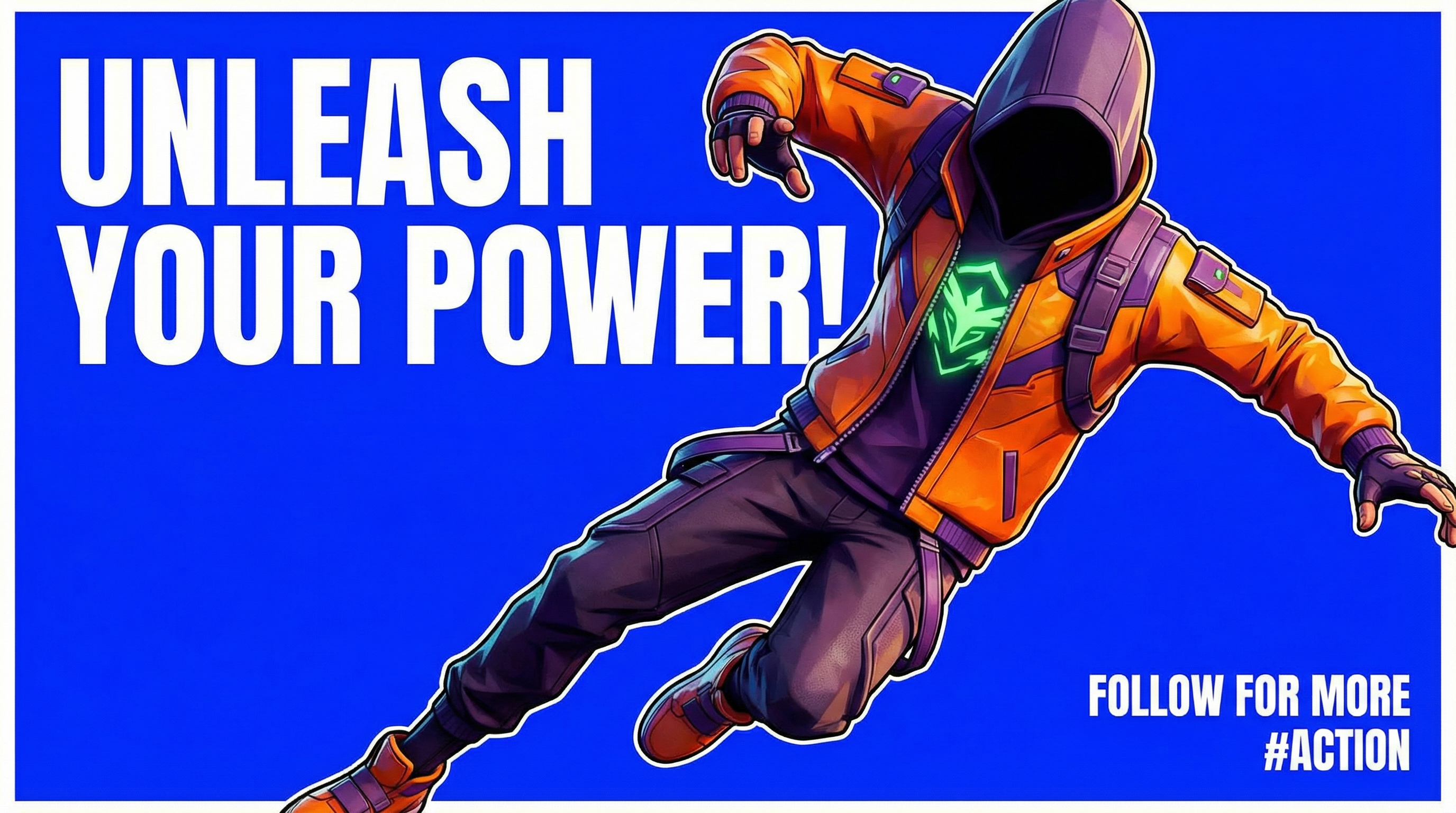
Influencers live and die by framing.
A small angle change can:
make a subject feel more confident
create intimacy or distance
increase visual impact in a feed
improve thumbnail performance
For creators producing:
social posts
thumbnails
short-form videos
the Camera Angles app offers speed and flexibility.
Instead of generating multiple images just to find the most engaging angle, influencers can:
start with one strong image
test multiple angles quickly
choose the most scroll-stopping view
This is especially useful when consistency matters—keeping the same face, outfit, or setting across posts.
What the App Actually Brings You
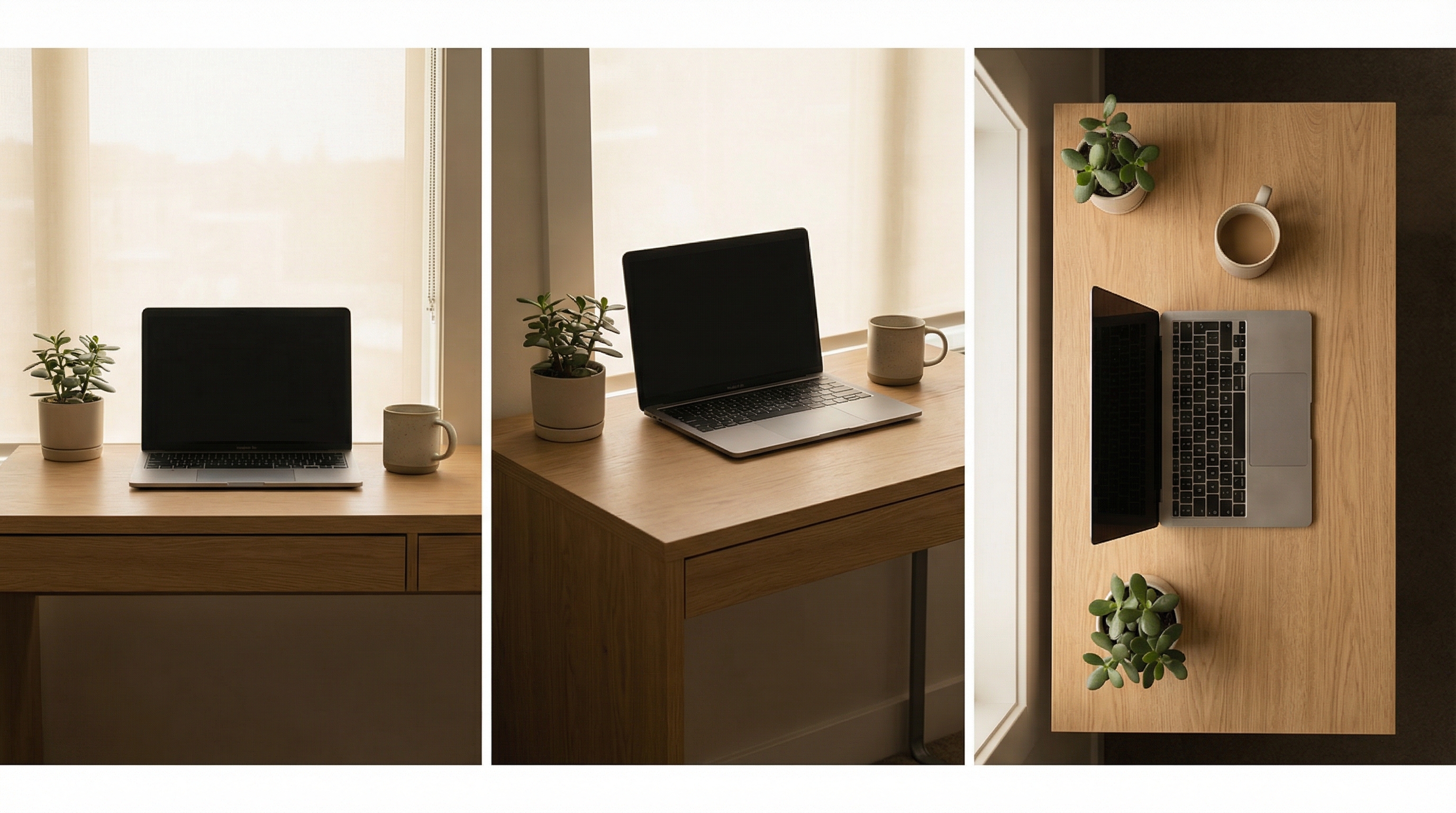
The value of the Camera Angles app isn’t about novelty.
It brings three practical advantages.
1. Control Without Destruction
You don’t lose what already works.
That alone saves time, credits, and creative energy.
2. Consistency Across Variations
Because all angles come from the same base image:
identity stays intact
lighting remains coherent
the scene feels unified
This is critical for:
storytelling
image-to-video workflows
brand visuals
3. A Shift in Creative Mindset
The app encourages a different way of thinking.
Instead of asking:
“Can I get a better image?”
You start asking:
“Can I see this image better?”
That’s a director’s mindset, not a generator’s.
Is It Useful for Everyone?
No—and that’s okay.
If you:
generate one-off images
don’t care about framing
enjoy random variation
you may not need it.
But if you:
value composition
work with recurring subjects
care about perspective
want control without starting over
the Camera Angles app solves a very real problem.
Why This Tool Matters as AI Improves

As base models get better, regeneration becomes less necessary—but control becomes more important.
High-quality images are easier to generate than ever.
Directing them is still hard.
The Camera Angles app fills that gap.
It doesn’t compete with AI models.
It complements them.
Final Thoughts
Is the Camera Angles app useful?
Yes—if you care about how an image is seen, not just what it contains.
For photographers, it restores camera thinking.
For influencers, it improves framing efficiency.
For storytellers, it enables consistency.
Sometimes the image is already right.
You just need to move the camera.
And now, you can.
Camera Angles app: https://budgetpixel.com/apps/camera-angles
Topics


 @EternaSky
 @yeah4

 @pikpoo
 @personal042026

 @DavidP
 @germancowboy
Comments (2)
ngl, I was thinking of using a camera angles app to better generate reference photos of different angles
Sign in to read all 2 comments and add yours.